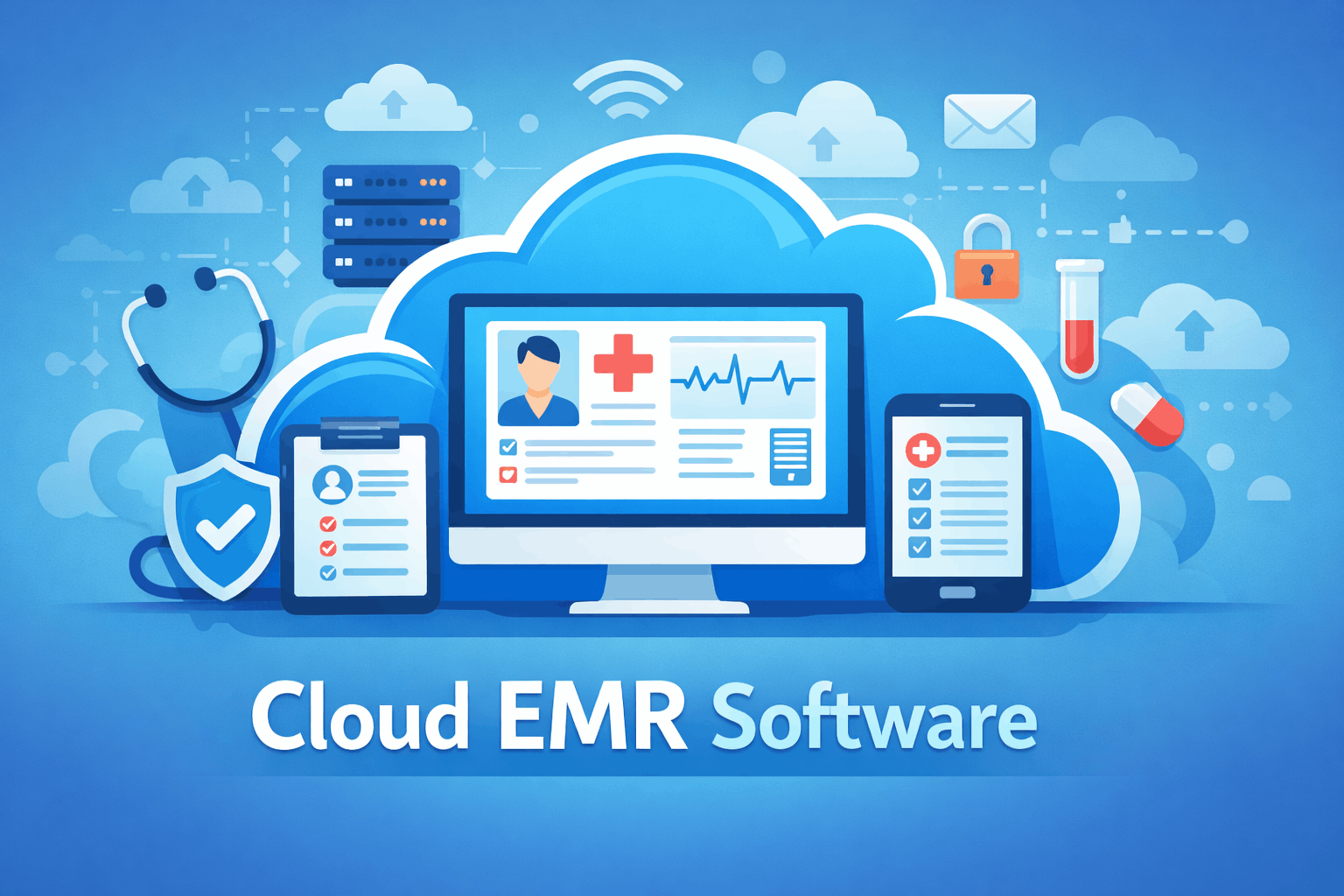

Managing patient records has come a long way from paper files and overflowing filing cabinets. Today, healthcare providers are increasingly turning to cloud-based EMR software to store, access, and manage medical records securely from virtually anywhere. Whether you’re running a small private clinic or a multi-location healthcare practice, cloud technology is changing how medical professionals deliver patient care.
Unlike traditional electronic medical record (EMR) systems that require on-site servers and extensive IT maintenance, cloud-based EMR software stores data on secure remote servers. This allows authorized users to access patient information through an internet connection, making healthcare workflows faster, more flexible, and easier to manage.
The growing adoption of cloud-based solutions is driven by several factors, including lower infrastructure costs, automatic software updates, improved collaboration, and enhanced data security. As healthcare organizations continue embracing digital transformation, choosing the right EMR platform has become more important than ever.
In this guide, we’ll explain what cloud-based EMR software is, how it works, its key benefits, essential features, and how to choose the right solution for your healthcare practice.
What Is Cloud-Based EMR Software?
Cloud-based EMR software is an electronic medical record system that stores patient data on secure cloud servers instead of local computers or in-house servers.
Healthcare providers can securely log in through a web browser or dedicated application to access patient records, treatment histories, prescriptions, laboratory results, appointment schedules, and clinical notes from almost any location with an internet connection.
Unlike paper-based systems, cloud EMR platforms organize patient information digitally, making records easier to search, update, and share with authorized medical staff.
How Does Cloud-Based EMR Software Work?
Although different software providers offer unique features, most cloud-based EMR systems operate in a similar way.
Step 1: Secure User Login
Healthcare professionals log in using secure credentials, often protected by multi-factor authentication to help prevent unauthorized access.
Different users, such as physicians, nurses, receptionists, and administrators, can be assigned different permission levels based on their responsibilities.
Step 2: Access Patient Records
Once logged in, authorized users can quickly search for patient records using names, identification numbers, or appointment schedules.
Information typically includes:
- Medical history
- Current medications
- Allergies
- Diagnoses
- Treatment plans
- Laboratory reports
- Imaging results
- Clinical notes
Step 3: Update Medical Information
During consultations, healthcare providers can update patient records in real time by adding diagnoses, prescriptions, referrals, and treatment notes.
Changes are automatically saved to the cloud, reducing the risk of lost or outdated records.
Step 4: Secure Data Storage
Instead of storing information on local servers, patient records are encrypted and stored within professionally managed cloud infrastructure.
Many providers also maintain automatic backups to help protect against hardware failures and unexpected data loss.
Step 5: Authorized Access Across Locations
One of the biggest advantages of cloud-based EMR software is its accessibility.
Authorized healthcare professionals can securely access patient information from multiple clinics, hospitals, or remote locations, improving continuity of care.
Why Healthcare Providers Are Moving to Cloud-Based EMR Software
Healthcare organizations of all sizes are adopting cloud technology because it offers significant operational and clinical advantages.
Lower IT Costs
Traditional EMR systems often require expensive on-site servers, dedicated IT staff, and regular hardware upgrades.
Cloud-based solutions eliminate much of this infrastructure, reducing upfront investment and ongoing maintenance costs.
Improved Accessibility
Physicians and healthcare teams can securely review patient records from clinics, hospitals, home offices, or while traveling, provided they have an internet connection.
This flexibility supports telemedicine, multi-location practices, and remote healthcare services.
Automatic Software Updates
Cloud providers regularly release software improvements, security patches, and new features without requiring healthcare organizations to manually install updates.
This helps ensure practices always have access to the latest version of the software.
Enhanced Collaboration
Cloud-based systems make it easier for authorized healthcare professionals to share patient information across departments and locations.
Improved communication can lead to faster decision-making and better patient outcomes.
Better Data Security
Reputable cloud EMR providers use advanced security measures, including:
- Data encryption
- Multi-factor authentication
- Automatic backups
- User access controls
- Activity logs
- Disaster recovery systems
These features help protect sensitive patient information while supporting compliance with healthcare privacy regulations.
Key Features of Cloud-Based EMR Software
Although available features vary by provider, most modern cloud EMR platforms include a comprehensive set of clinical and administrative tools.
Electronic Patient Records
Digital patient files allow healthcare providers to store complete medical histories in one secure location.
Appointment Scheduling
Integrated scheduling systems help clinics manage appointments, reduce double bookings, and improve patient flow.
Electronic Prescriptions
Many platforms allow physicians to send prescriptions electronically to pharmacies, reducing paperwork and minimizing medication errors.
Clinical Documentation
Doctors can document patient encounters using customizable templates, voice recognition, or structured clinical forms.
Billing and Insurance Management
Some cloud EMR systems integrate billing, insurance claims, and payment tracking into the same platform, simplifying administrative workflows.
Reporting and Analytics
Healthcare administrators can generate reports on patient volume, clinical performance, financial data, and operational efficiency to support informed decision-making.
Cloud-Based EMR Software vs. On-Premise EMR Software
One of the biggest decisions healthcare providers face is whether to choose a cloud-based EMR or a traditional on-premise system. While both manage electronic medical records, they differ significantly in cost, maintenance, accessibility, and scalability.
| Feature | Cloud-Based EMR Software | On-Premise EMR Software |
|---|---|---|
| Installation | Web-based | Installed on local servers |
| Upfront Cost | Lower | Higher |
| Monthly Costs | Subscription-based | Maintenance and IT costs |
| Software Updates | Automatic | Manual |
| Data Storage | Secure cloud servers | Local servers |
| Remote Access | Yes | Limited |
| Scalability | Easy | More complex |
| IT Maintenance | Managed by provider | Managed internally |
For most modern healthcare practices, cloud-based EMR software offers greater flexibility, lower maintenance requirements, and easier expansion as the organization grows.
Benefits of Cloud-Based EMR Software
Healthcare providers continue adopting cloud-based systems because they improve both patient care and operational efficiency.
Access Patient Records Anytime
Doctors and authorized staff can securely access patient information from clinics, hospitals, or remote locations. This is especially valuable for healthcare organizations operating across multiple sites.
Improved Workflow Efficiency
Instead of searching through paper files or waiting for records to be transferred, providers can instantly retrieve patient information, reducing administrative delays and allowing more time for patient care.
Easier Collaboration
Cloud-based EMR software enables physicians, nurses, specialists, and administrative staff to work from the same patient record, improving communication and reducing duplicate data entry.
Automatic Backups
Most cloud providers perform regular automated backups, helping protect medical records from hardware failures, accidental deletion, or natural disasters.
Better Scalability
As healthcare organizations grow, cloud-based systems make it easier to add new users, locations, and services without investing in additional server infrastructure.
Potential Challenges
While cloud-based EMR software offers many advantages, it’s important to understand some potential limitations.
Internet Dependency
Because data is stored online, a reliable internet connection is essential. Temporary connectivity issues may affect access to patient records.
Subscription Costs
Most cloud-based platforms operate on monthly or annual subscription plans. Although upfront costs are generally lower than on-premise systems, recurring fees should be included in long-term budgeting.
Data Migration
Practices switching from paper records or older EMR systems may need assistance transferring existing patient information into the new platform.
Staff Training
Healthcare teams often require training to become comfortable with new workflows, features, and documentation methods.
How to Choose the Best Cloud-Based EMR Software
Selecting the right software requires careful planning. Every healthcare practice has different clinical, operational, and financial requirements.
Understand Your Practice’s Needs
Consider factors such as:
- Practice size
- Medical specialty
- Number of providers
- Patient volume
- Multi-location operations
- Telehealth requirements
Understanding your daily workflow helps narrow your options.
Prioritize Security
Since EMR systems store sensitive patient information, security should be one of your highest priorities.
Look for features such as:
- Data encryption
- Multi-factor authentication
- Role-based access controls
- Audit logs
- Automatic backups
- Disaster recovery plans
Evaluate Ease of Use
Complicated software can slow down clinical workflows.
Choose a platform with an intuitive interface that allows physicians and staff to document patient encounters efficiently.
Consider Integration Capabilities
Modern healthcare organizations often use multiple digital systems.
Your EMR should integrate smoothly with:
- Practice management software
- Billing systems
- Laboratory services
- Imaging centers
- Pharmacy networks
- Telemedicine platforms
Good integration reduces duplicate work and improves data accuracy.
Review Customer Support
Reliable customer support is essential, particularly during implementation and software updates.
Look for vendors that provide:
- Technical support
- Training resources
- Knowledge bases
- Live chat or phone assistance
Essential Features to Look For
When comparing cloud-based EMR software providers, prioritize solutions that include the features your practice needs most.
Patient Portal
A patient portal allows individuals to:
- View medical records
- Schedule appointments
- Request prescription refills
- Access test results
- Communicate securely with providers
This improves patient engagement while reducing administrative workload.
Electronic Prescribing
Electronic prescribing simplifies medication management by allowing prescriptions to be sent directly to participating pharmacies.
Benefits include:
- Faster prescription processing
- Reduced handwriting errors
- Improved medication safety
Clinical Decision Support
Many modern EMR systems include built-in alerts and reminders that assist healthcare providers during clinical decision-making.
Examples include:
- Drug interaction alerts
- Allergy warnings
- Preventive care reminders
- Vaccination recommendations
Mobile Accessibility
Mobile-friendly applications allow physicians to review patient information and complete documentation using tablets or smartphones when appropriate.
Reporting and Analytics
Advanced reporting tools help administrators monitor:
- Patient outcomes
- Appointment trends
- Financial performance
- Clinical productivity
- Regulatory reporting
These insights support better business and healthcare decisions.
Common Mistakes to Avoid
Choosing an EMR system is a long-term investment. Avoid these common mistakes when evaluating software.
Choosing Based Only on Price
The least expensive option may lack important features or require costly upgrades later.
Evaluate overall value rather than focusing solely on subscription fees.
Ignoring Staff Feedback
Doctors, nurses, and administrative staff use the software every day.
Including them in the evaluation process increases the likelihood of successful adoption.
Overlooking Training
Even user-friendly software requires onboarding.
Proper training helps staff use the system efficiently while reducing documentation errors.
Not Planning for Growth
Select software that can scale with your organization as patient numbers, providers, and services expand over time.
Pros and Cons of Cloud-Based EMR Software
| Pros | Cons |
| Lower upfront costs | Requires reliable internet access |
| Automatic updates | Ongoing subscription fees |
| Remote accessibility | Data migration may take time |
| Strong collaboration features | Staff training may be required |
| Secure cloud backups | Vendor selection is critical |
FAQs
What is cloud-based EMR software?
Cloud-based EMR software is an electronic medical record system that stores patient information on secure cloud servers instead of local computers. Authorized healthcare professionals can access medical records through the internet, making it easier to manage patient data from multiple locations.
How is cloud-based EMR different from EHR software?
Although the terms are often used interchangeably, there is a difference.
An EMR (Electronic Medical Record) primarily contains a patient’s medical history within a single healthcare practice. An EHR (Electronic Health Record) is designed to share patient information across multiple healthcare organizations, allowing better coordination between providers.
Is cloud-based EMR software secure?
Yes, reputable providers implement advanced security measures to protect sensitive healthcare data. These typically include:
- End-to-end encryption
- Multi-factor authentication
- Role-based user permissions
- Automatic backups
- Audit logs
- Disaster recovery systems
Healthcare providers should still ensure the software complies with local healthcare privacy regulations.
Can small clinics benefit from cloud-based EMR software?
Absolutely. Cloud-based systems are especially beneficial for small and medium-sized clinics because they reduce the need for expensive server hardware and dedicated IT staff while providing enterprise-level functionality.
Does cloud-based EMR software support telemedicine?
Many modern EMR platforms include built-in telehealth capabilities or integrate with popular telemedicine solutions. This allows healthcare providers to schedule virtual appointments, document consultations, and manage patient records within a single system.
Can cloud-based EMR software integrate with other healthcare tools?
Yes. Most modern platforms integrate with:
- Practice management software
- Billing systems
- Laboratory information systems
- Imaging centers
- Pharmacy networks
- Patient portals
- Telehealth platforms
- Accounting software
These integrations help streamline clinical and administrative workflows.
How long does implementation take?
Implementation time depends on the size of the healthcare organization, the amount of patient data being migrated, and staff training requirements. Small clinics may be operational within a few weeks, while larger hospitals can require several months for a complete rollout.
What should I consider before choosing a provider?
Before selecting cloud-based EMR software, evaluate:
- Security features
- Ease of use
- Customer support
- Pricing model
- Scalability
- Integration capabilities
- Mobile accessibility
- Compliance with healthcare regulations
- Vendor reputation
- Training resources
Choosing a provider that aligns with your long-term goals can reduce future migration costs and improve staff productivity.
Best Practices for Implementing Cloud-Based EMR Software
A successful implementation requires careful planning, staff involvement, and ongoing support.
Develop an Implementation Plan
Create a clear timeline that includes:
- Software setup
- Data migration
- Staff training
- System testing
- Go-live date
- Post-launch support
Planning ahead minimizes disruptions to patient care.
Train Your Team
Comprehensive training ensures that physicians, nurses, receptionists, and administrative staff understand how to use the software efficiently.
Regular refresher sessions can also help employees take advantage of newly released features.
Clean Existing Data
Before migrating patient records, review your existing data for duplicate entries, outdated information, and incomplete records. A clean database improves accuracy and makes future record management easier.
Monitor Performance
After implementation, regularly evaluate how the system is performing.
Track metrics such as:
- Appointment efficiency
- Documentation time
- Billing accuracy
- Patient satisfaction
- Staff productivity
These insights can help identify opportunities for workflow improvements.
The Future of Cloud-Based EMR Software
Cloud technology continues to evolve, and EMR platforms are becoming smarter every year.
Future innovations are expected to include:
- Artificial intelligence for clinical decision support
- Predictive analytics for patient care
- Enhanced voice recognition for documentation
- Greater interoperability between healthcare systems
- Improved mobile applications
- Expanded telehealth capabilities
- Automation of administrative tasks
These advancements will help healthcare providers deliver more efficient, personalized, and data-driven care.
Conclusion
Cloud-based EMR software has transformed the way healthcare organizations manage patient information. By replacing paper records and reducing reliance on on-site servers, these systems provide secure access to medical records, improve collaboration among healthcare professionals, and streamline everyday clinical operations.
Whether you’re running a private practice, specialty clinic, or multi-location healthcare organization, a cloud-based EMR solution can help improve efficiency, reduce administrative costs, and enhance the overall patient experience. Features such as electronic prescribing, appointment scheduling, patient portals, reporting tools, and seamless integrations make these platforms an essential part of modern healthcare.
Before making a decision, carefully assess your organization’s needs, compare available features, prioritize security and compliance, and choose a provider that can scale with your practice as it grows. Investing in the right cloud-based EMR software today can position your healthcare organization for greater efficiency, better patient outcomes, and long-term success in an increasingly digital healthcare environment.